
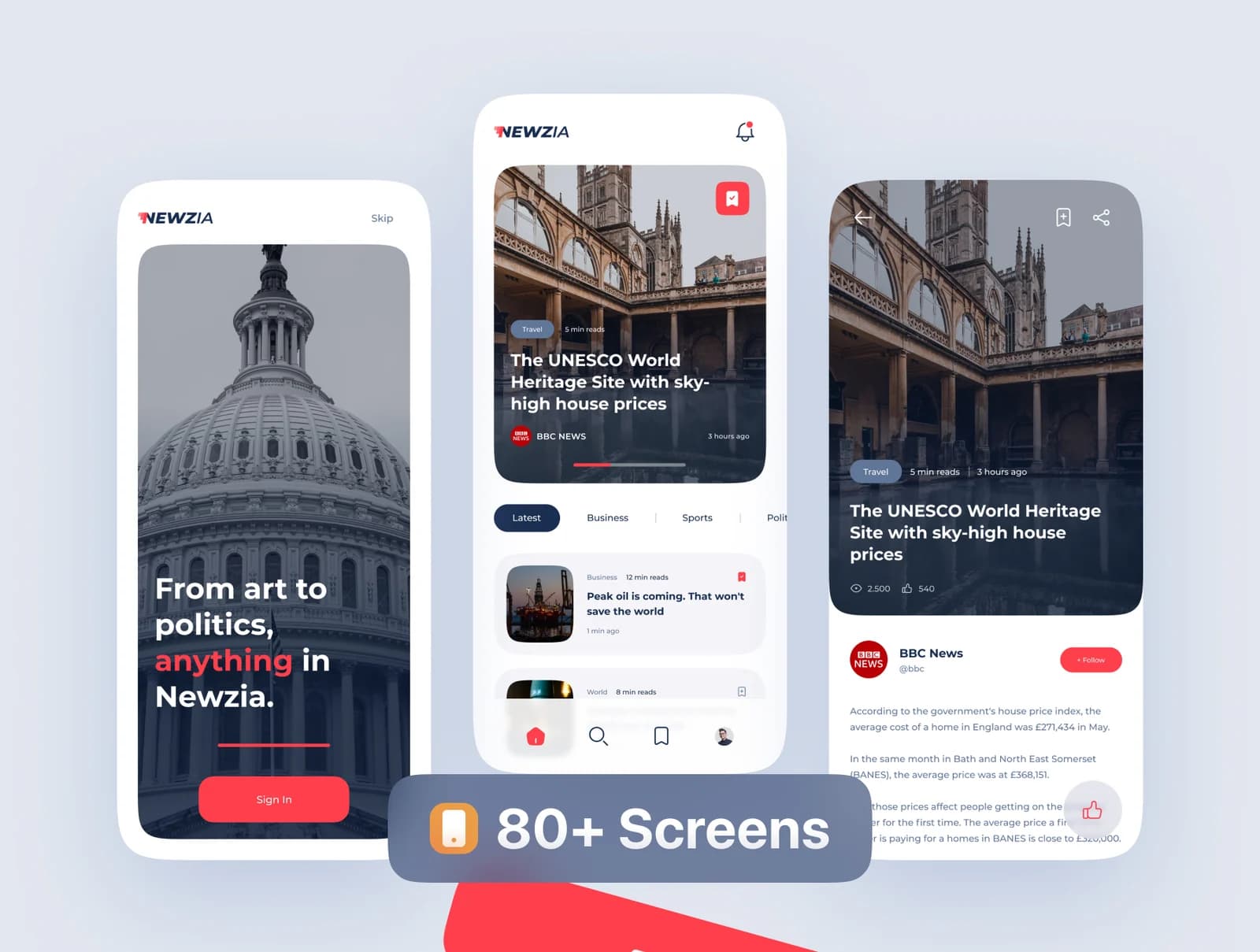
Project brief
This project is a Flutter news reader for Android and iOS. It gives readers a category-based article interface and gives the publishing team an administration panel for content. The gallery documents article lists, article detail screens, saved-content controls and light and dark themes.
Users and responsibilities
- Readers browse categories, open articles, save content and manage notification permissions on their devices.
- Editors prepare and publish the stories that appear in the app.
- Administrators manage content through the project panel.
Separating publishing from reading keeps editorial controls out of the mobile audience interface and gives the content team one place to manage what the apps display.
Delivered scope
- Flutter mobile app for Android and iOS.
- Category navigation and article-reading screens.
- Push notifications for published updates.
- Saved articles for offline reading.
- Light and dark themes.
- Advertising integration.
- Administration panel for content.
Publishing and reading workflow
The publishing team enters and organizes an article in the administration panel. The mobile app presents the published story in its category and article view. A notification can direct readers to an update, while the save control keeps selected content available for later reading. The same content model must render correctly in both themes and on both mobile platforms.
Implementation decisions
The content model should define headline, summary, body, category, image and publication state before editors begin entering material. Image dimensions and article formatting need limits that work on small screens. Offline reading also needs a rule for what the device stores and when saved content refreshes. Notifications require explicit permission handling, and advertising needs consent and placement rules that match the selected provider and app-store policies.
Verification and handoff
Test article lists and article bodies with short and long content, different image sizes and both themes. Confirm category assignment, save and remove actions, offline access and notification behaviour on representative Android and iOS devices. Advertising and notifications should also be checked against the release build, not only a development environment. Flutter shares application code, but each store still has its own release preparation and device checks.
Possible next phase
A later phase can add more categories, notification segments or editorial fields after the existing publishing flow is stable. Each change should include a content-migration plan and checks for previously published articles.
Read about our mobile development process and Flutter versus native development.