
Low-Code/No-Code Development: Democratizing Software Creation
What does this article explain?
Low-code and no-code tools reduce some implementation work. Compare platform limits, data access, licensing and migration needs before committing a business workflow.
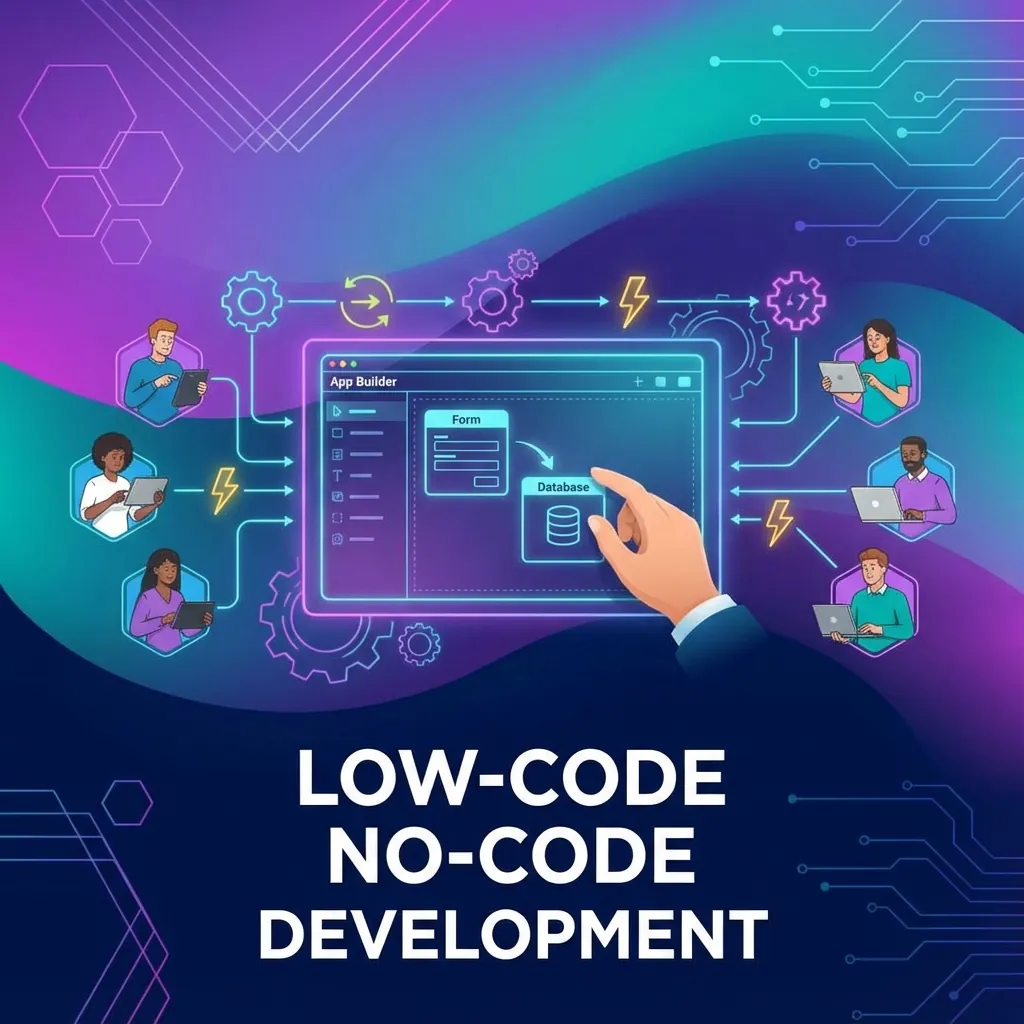
The Rise of Citizen Developers
Low-code and no-code platforms are transforming how organizations build software. By 2025, Gartner predicts that 70% of new applications will use low-code or no-code technologies.
What's the Difference?
No-Code Platforms:
- Zero programming required
- Drag-and-drop interface
- Pre-built templates and components
- Best for simple workflows and apps
Low-Code Platforms:
- Minimal coding needed
- Visual development with code extension
- More customization options
- Suitable for complex applications
Benefits for Businesses
| Benefit | Impact |
|---|---|
| Speed | 10x faster development |
| Cost | 70% lower development costs |
| Agility | Rapid iteration and changes |
| Accessibility | Non-developers can build apps |
| Maintenance | Easier updates and fixes |
Popular Use Cases
1. Internal Tools
- Employee onboarding portals
- Expense approval systems
- HR request forms
- IT ticketing systems
2. Customer-Facing Apps
- Service request portals
- Appointment booking
- Feedback collection
- Simple e-commerce stores
3. Workflow Automation
- Document approvals
- Data entry automation
- Notification systems
- Integration between tools
When to Choose Traditional Development?
Low-code isn't always the answer:
- Complex business logic
- High-performance requirements
- Unique user experiences
- Deep third-party integrations
- Enterprise-scale systems
Smart Team's Approach
We combine low-code efficiency with custom development power:
- Rapid Prototyping - Validate ideas quickly with low-code MVPs
- Hybrid Solutions - Low-code base with custom extensions
- Platform Selection - Choose the right tool for your needs
- Custom Development - Full-code when complexity demands it